ELIT User Guide
Page 2 of 72. Supplier Registration
Welcome to the user guide for the Company Registration process within our ELIT Procure-to-Pay (P2P) solution. This guide aims to provide you with a comprehensive understanding of how to effectively register your company in the ELIT, ensuring a seamless experience in managing procurement and payment processes.
2.1 Company Registrartion
The ELIT P2P solution streamlines the workflow from procurement through payment, enhancing efficiency, transparency, and compliance. A crucial first step in this journey is the accurate registration of your company, which serves as the foundation for all subsequent transactions.
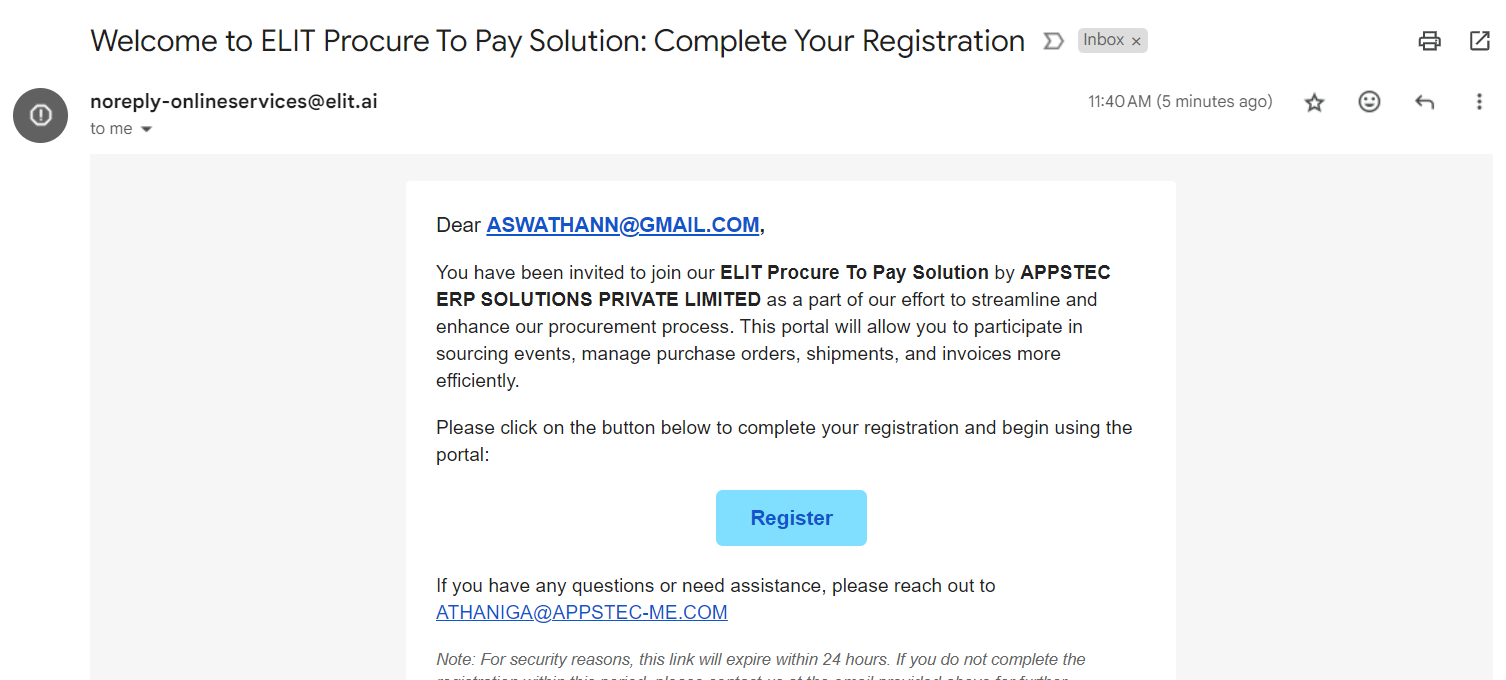
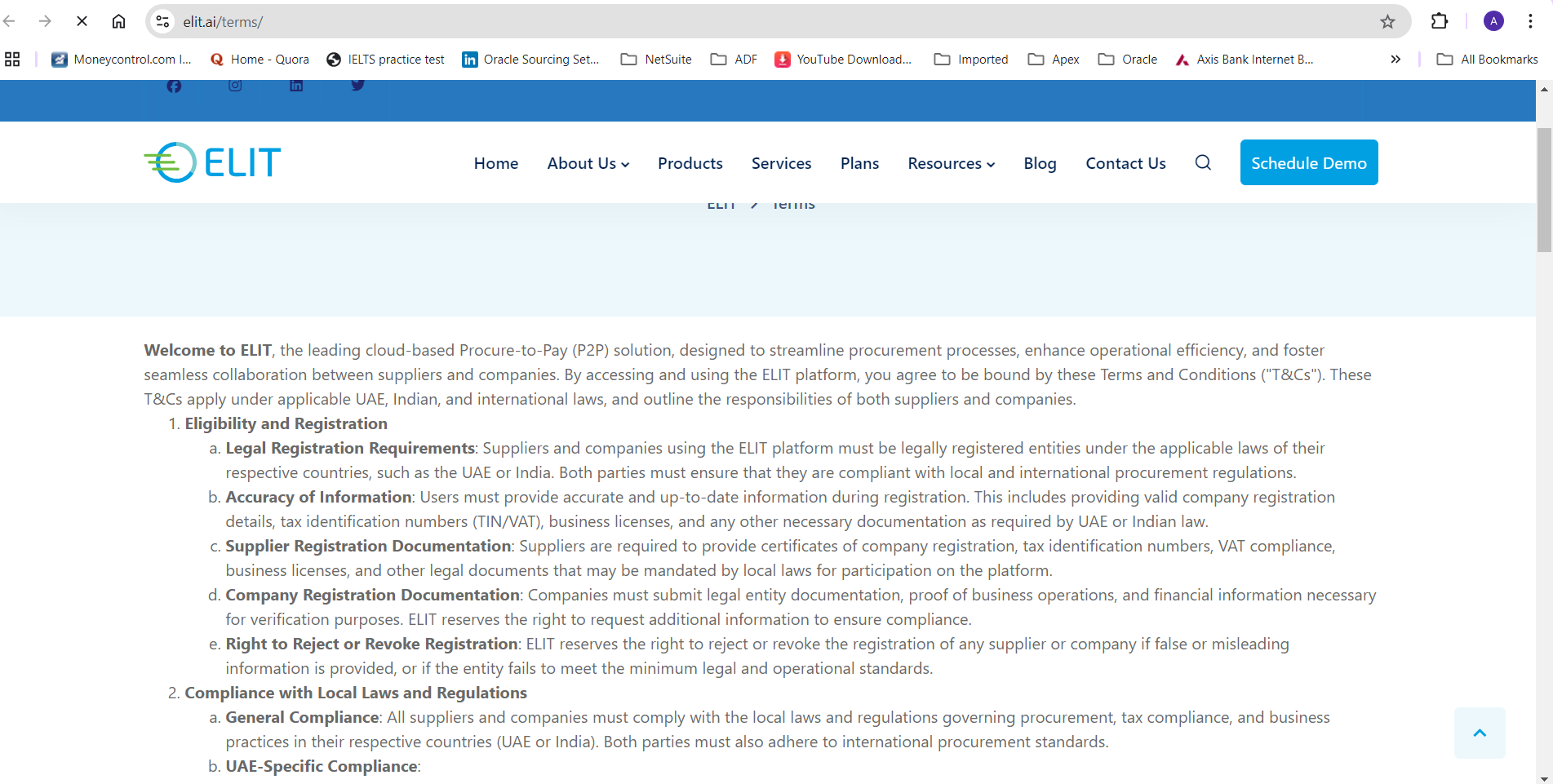
To register your company with Buyer Company, Buyer will Invite you by email. By clicking ‘Register’ button, you will be redirected to Terms and Conditions Page,
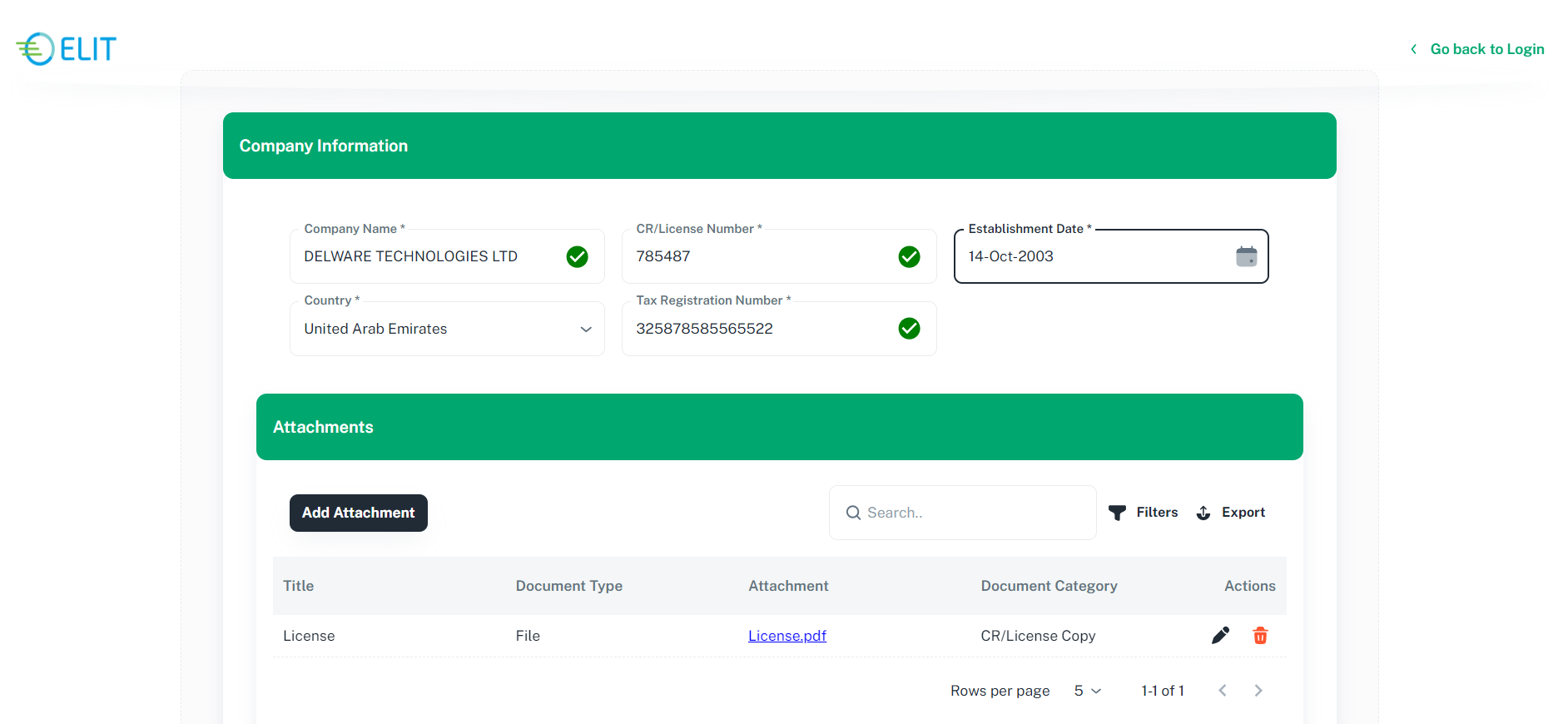
You will be redirected to company information page.
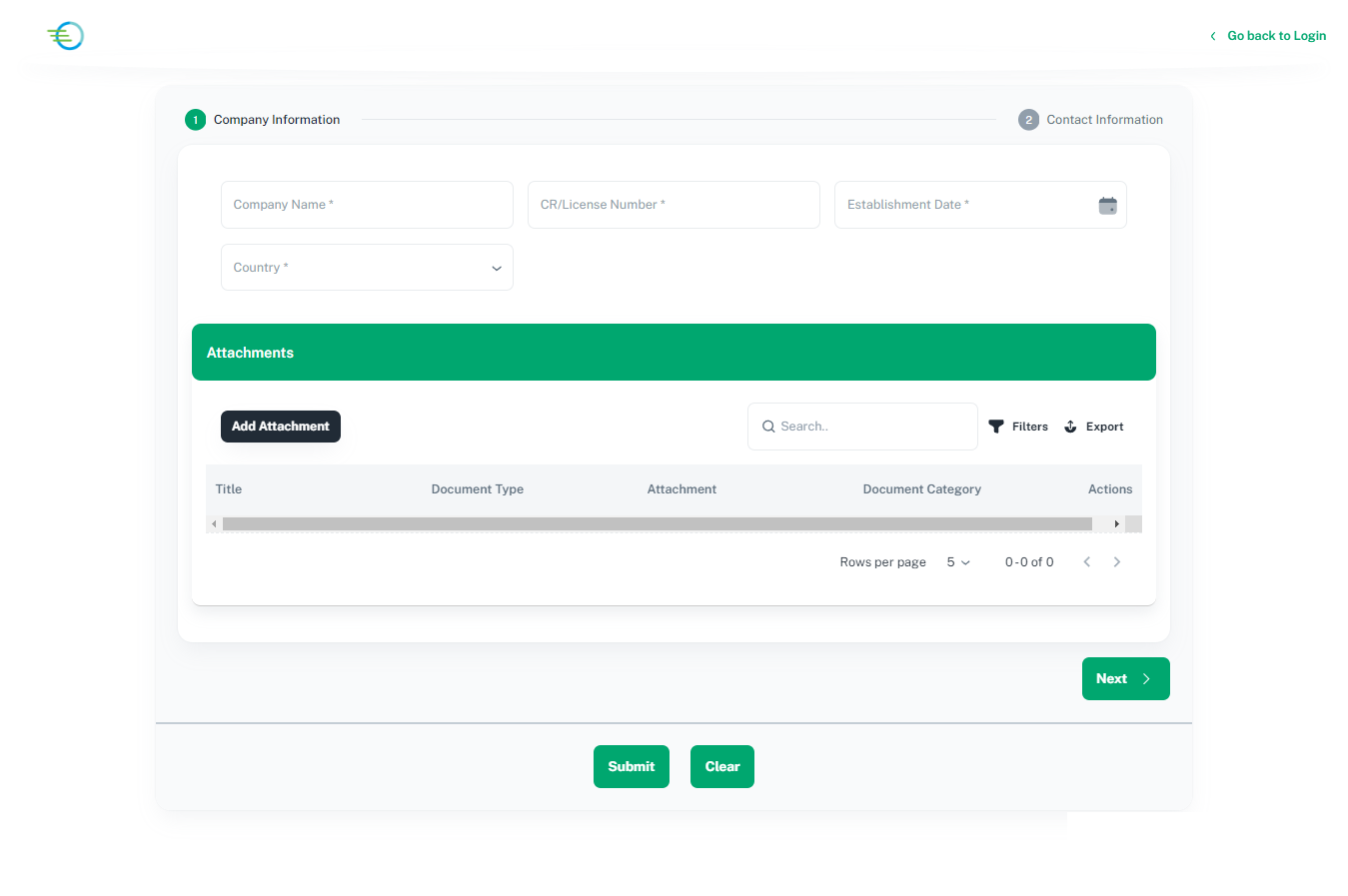
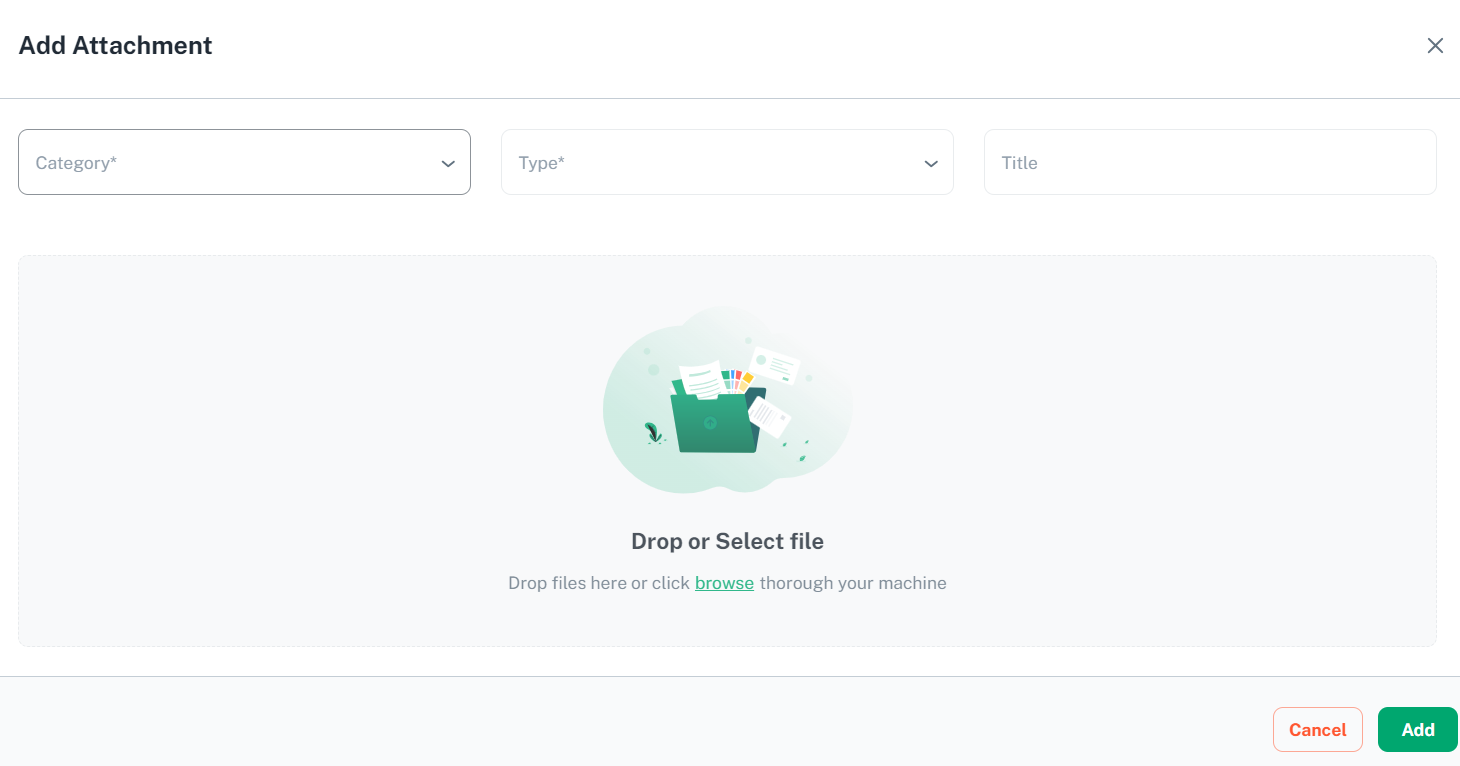
Please provide required company information and attach license or any legal documents.
Click on ‘Next’ to proceed. You will be redirected to Contact information tab
2.2 Add Contact Information
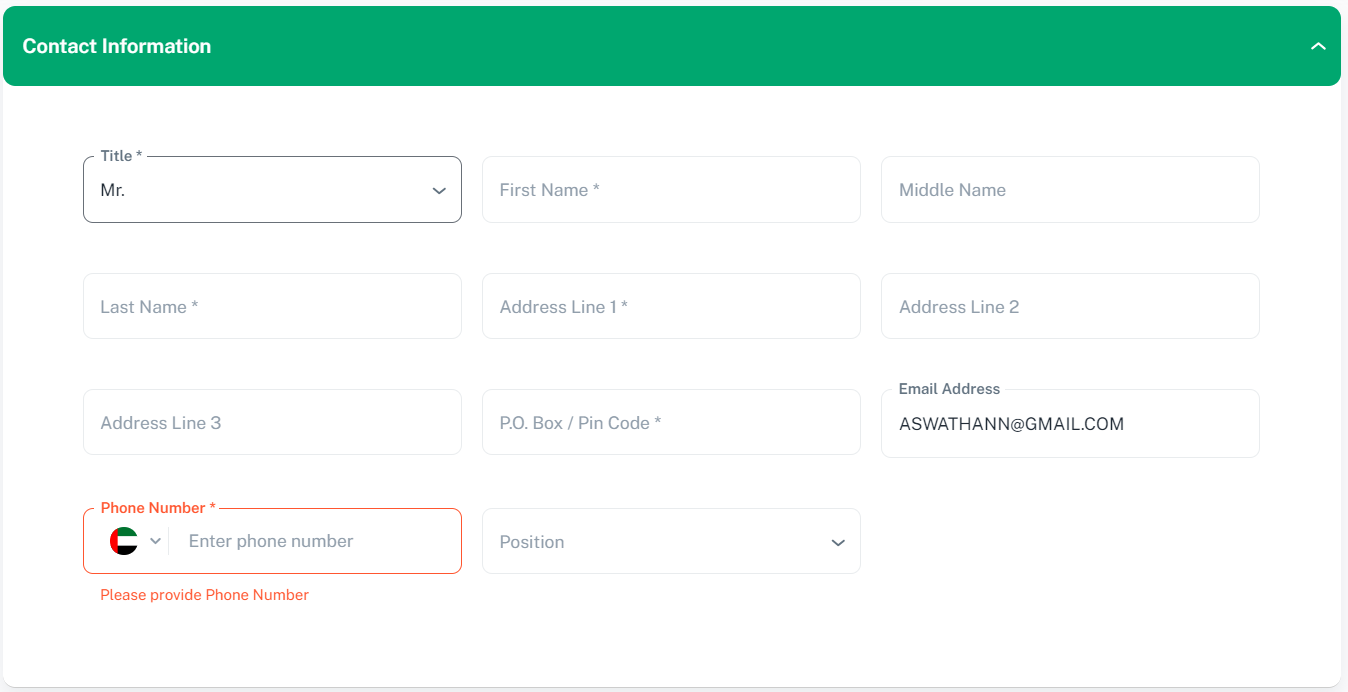
Please provide contact information.
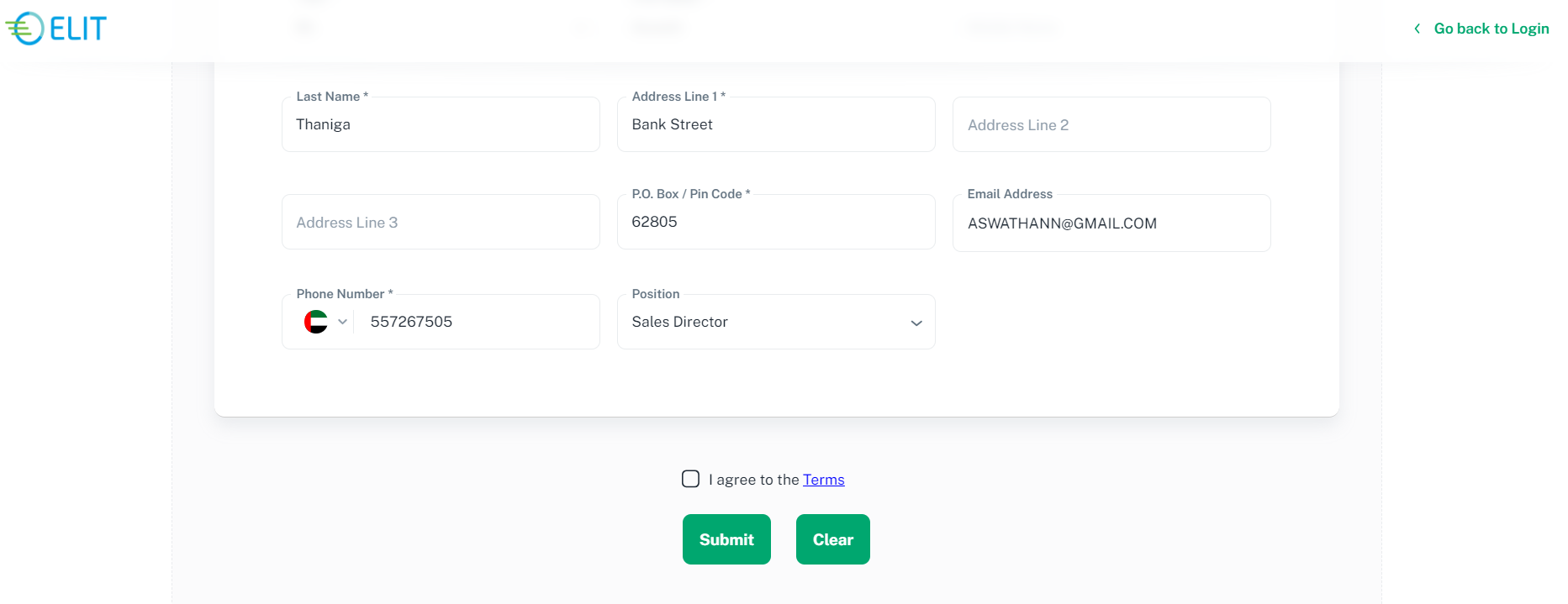
Click on ‘Submit’ Button. An email will be sent to your email address.
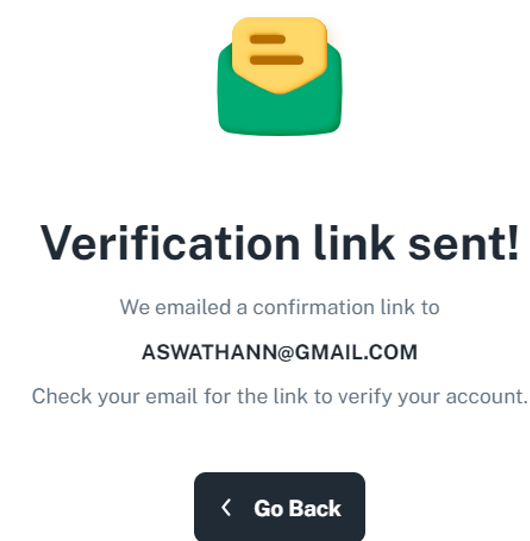
2.3 Validate Email Address
To verifying your email address.
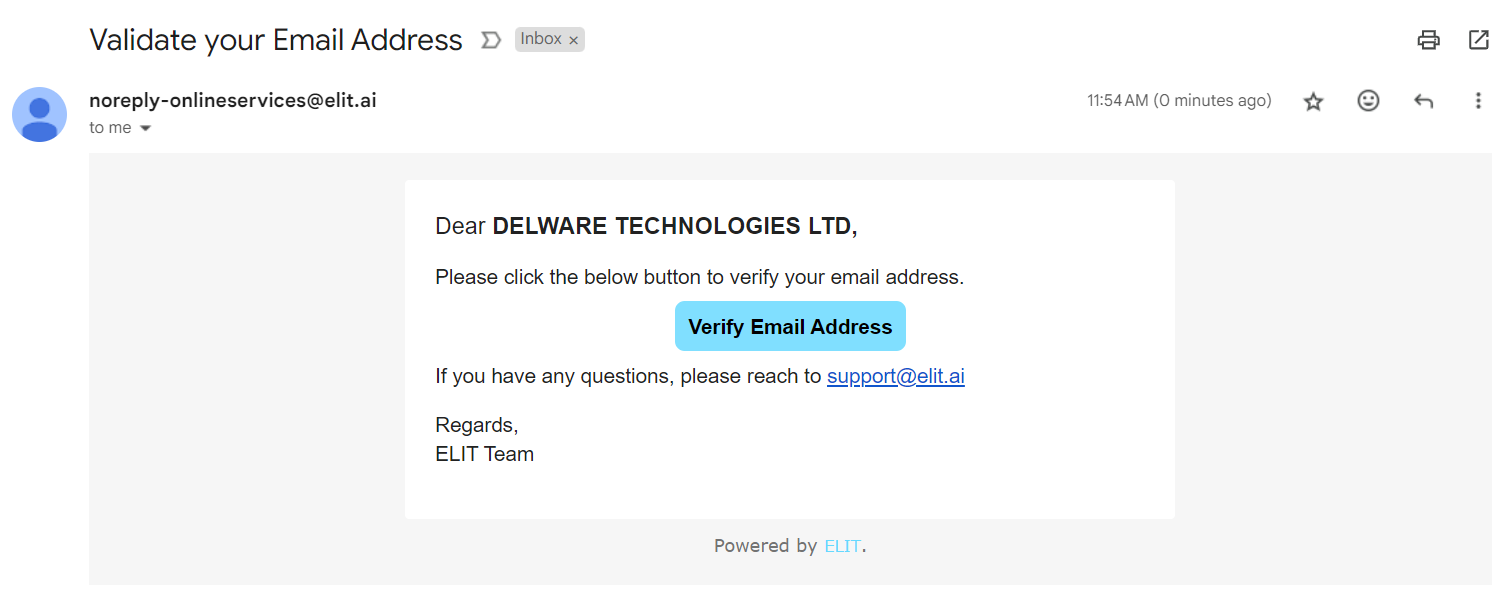
Click on verify email address button from the email body, you will be redirected to create password page.
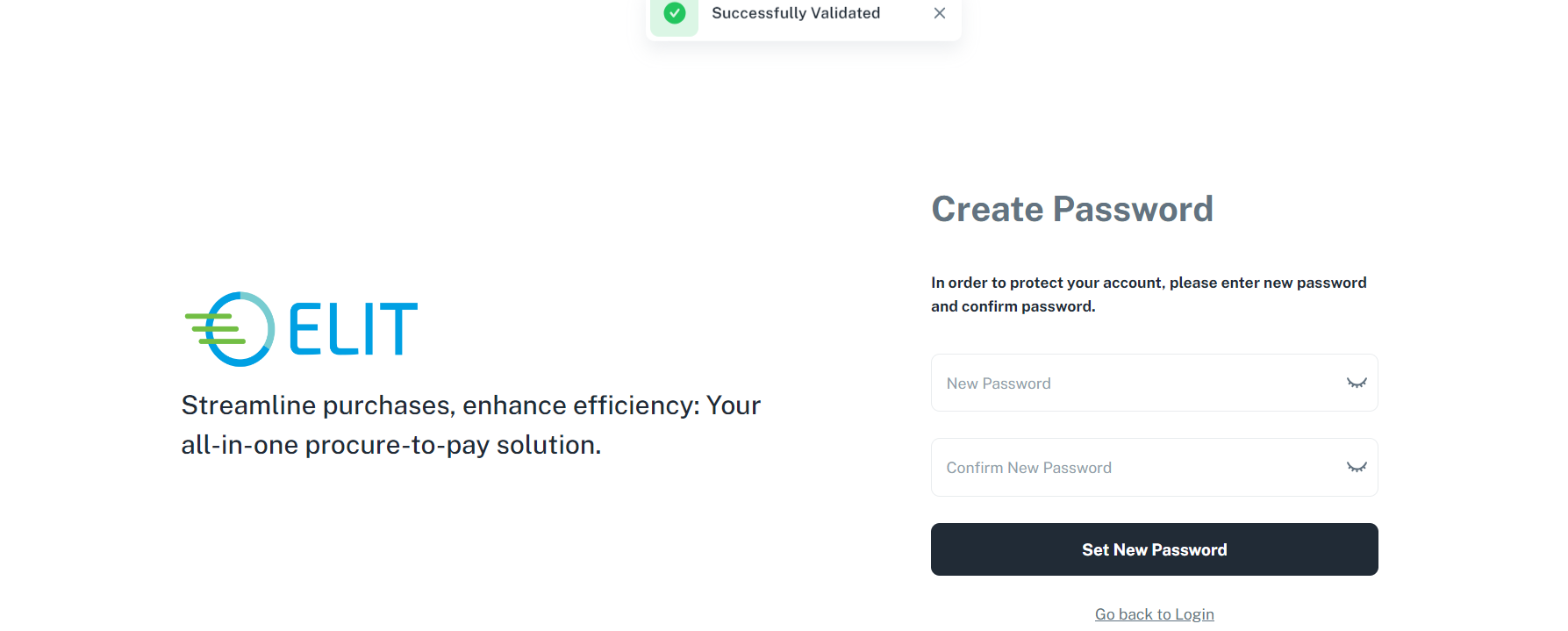
Please provide valid password, click on ‘set new password’ button to proceed. You will be directed to profile page.